Skip to content

Use cases

Instagram workspace scenarios for review-ready teams.

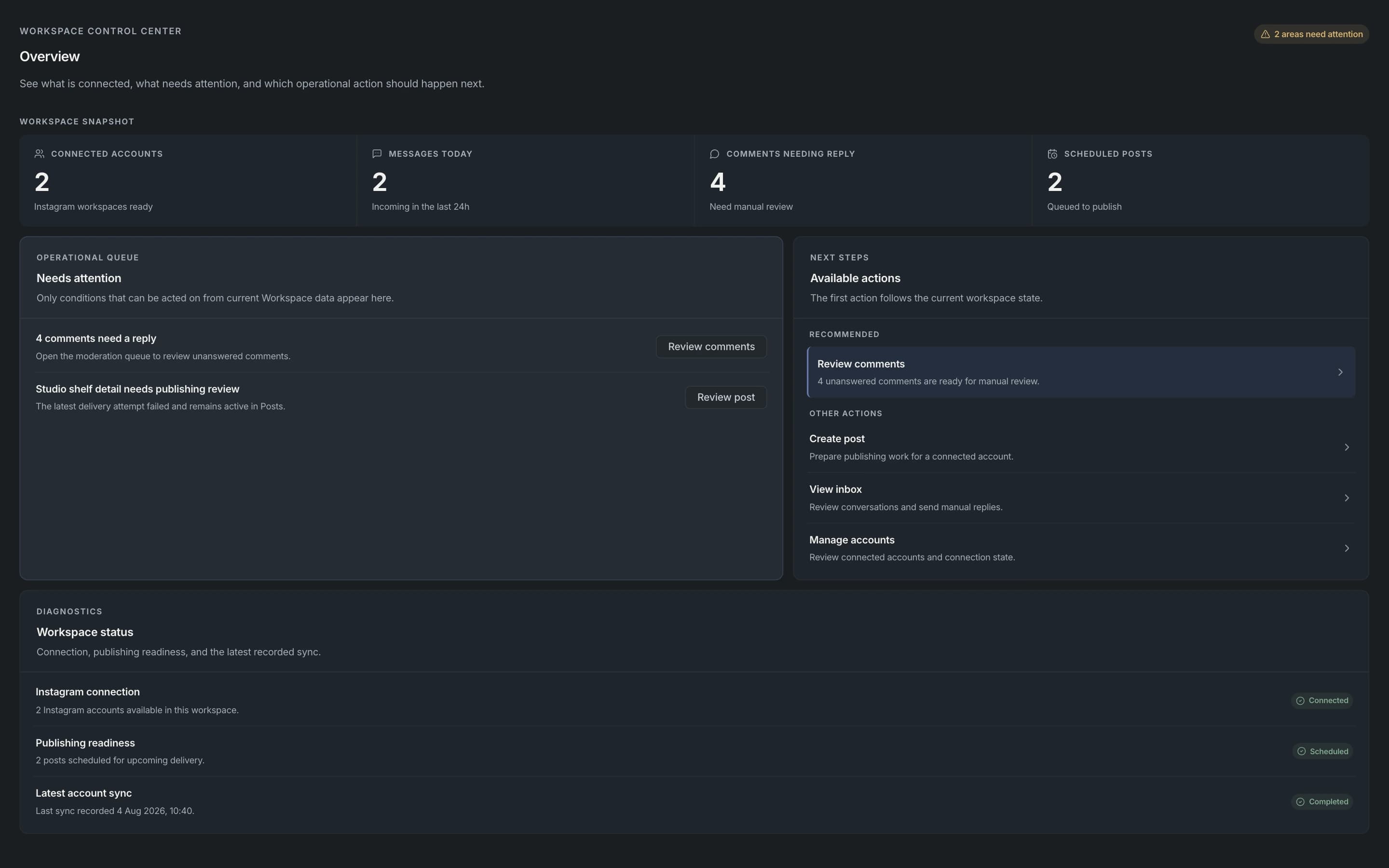
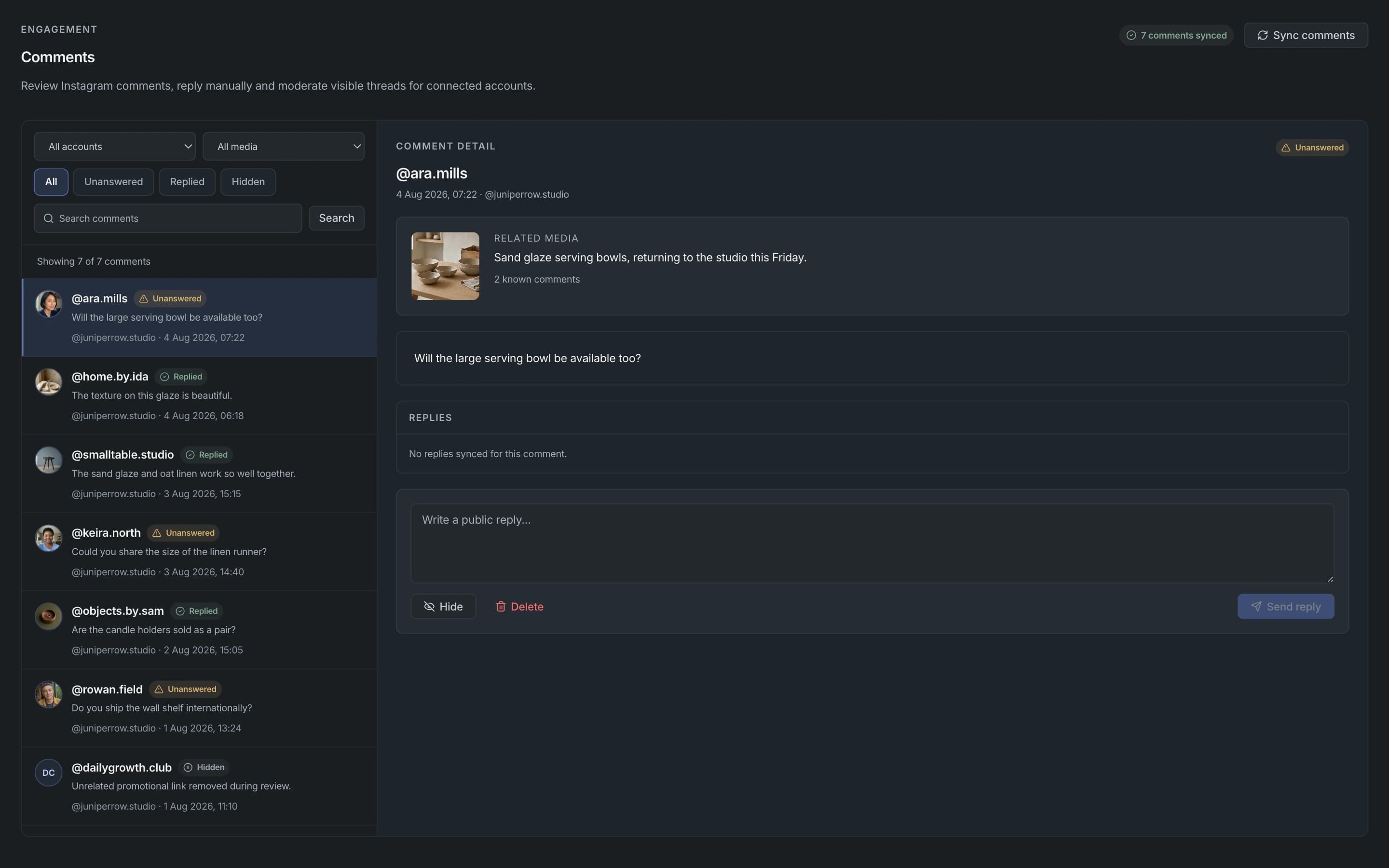
Practical ways teams use Apionics to connect Instagram Business accounts, prepare publishing workflows, coordinate manual inbox activity, and keep audit history visible.

Publishing teamsConnected accountsManual inboxAudit logs

Teams managing Instagram publishing workflows

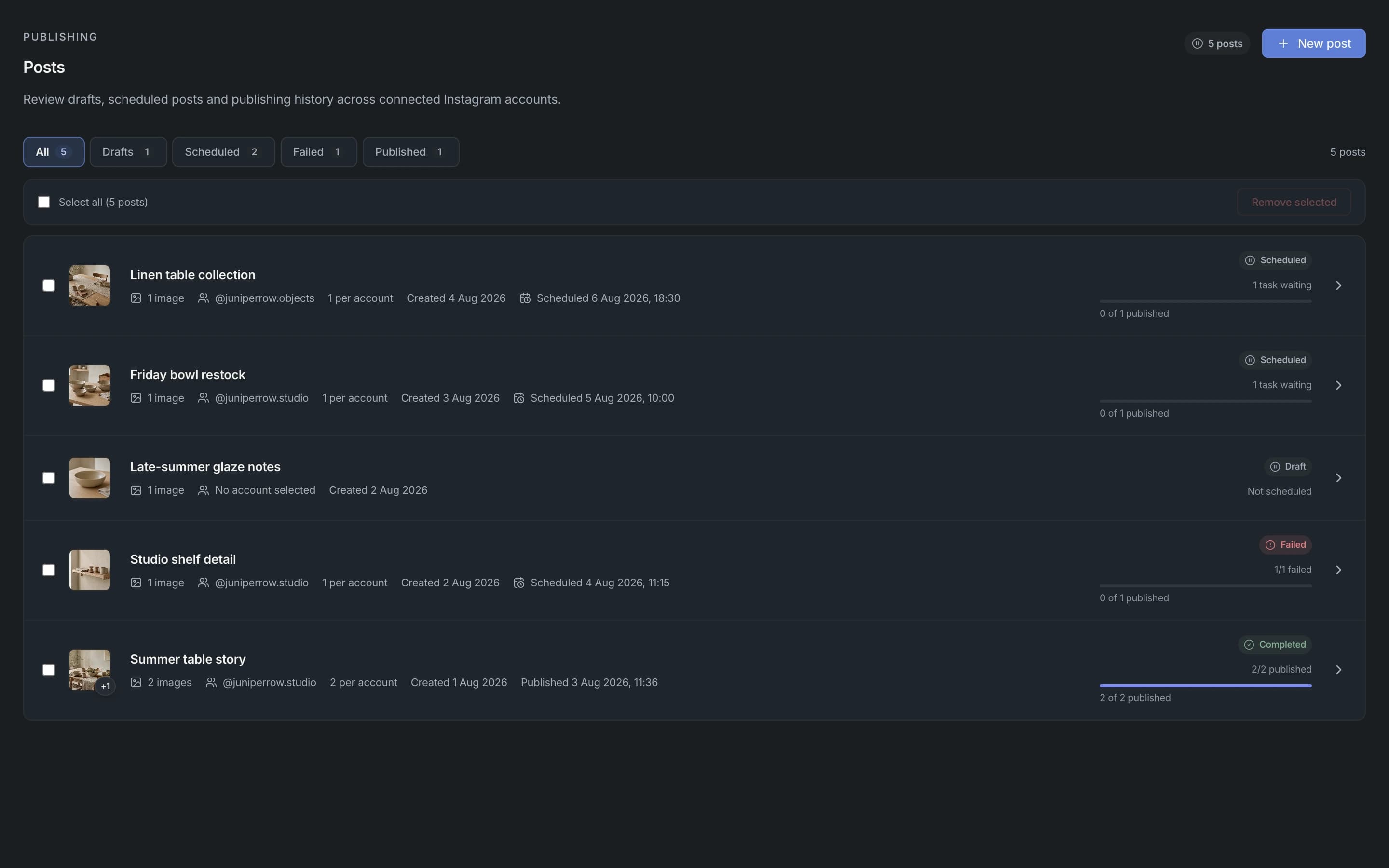
For teams that need a clean workspace for preparing posts, uploading media, choosing connected Instagram accounts, and tracking publishing status.

Outcome: Keep Instagram publishing, account selection, status, and audit history in one workspace.

  • Instagram Business account connection
  • Media upload and account selection
  • Scheduled publishing workflow
  • Audit logs for workspace actions

Example

{  workflow: "publish",  platform: "instagram",  caption: "Launch update",  status: "draft",  audit_log: true}

Agencies managing connected Instagram accounts

For agencies that manage several approved Instagram Business accounts and need account health, permission status, and publishing history to stay visible.

Outcome: Coordinate client account activity without mixing credentials, account status, or workspace history.

  • Connected account management
  • Account health and permission status
  • Team access controls
  • Workspace-level audit trail

Example

{  workflow: "select_accounts",  platform: "instagram",  accounts: ["acc_client_a", "acc_client_b"],}

Support teams coordinating manual inbox activity

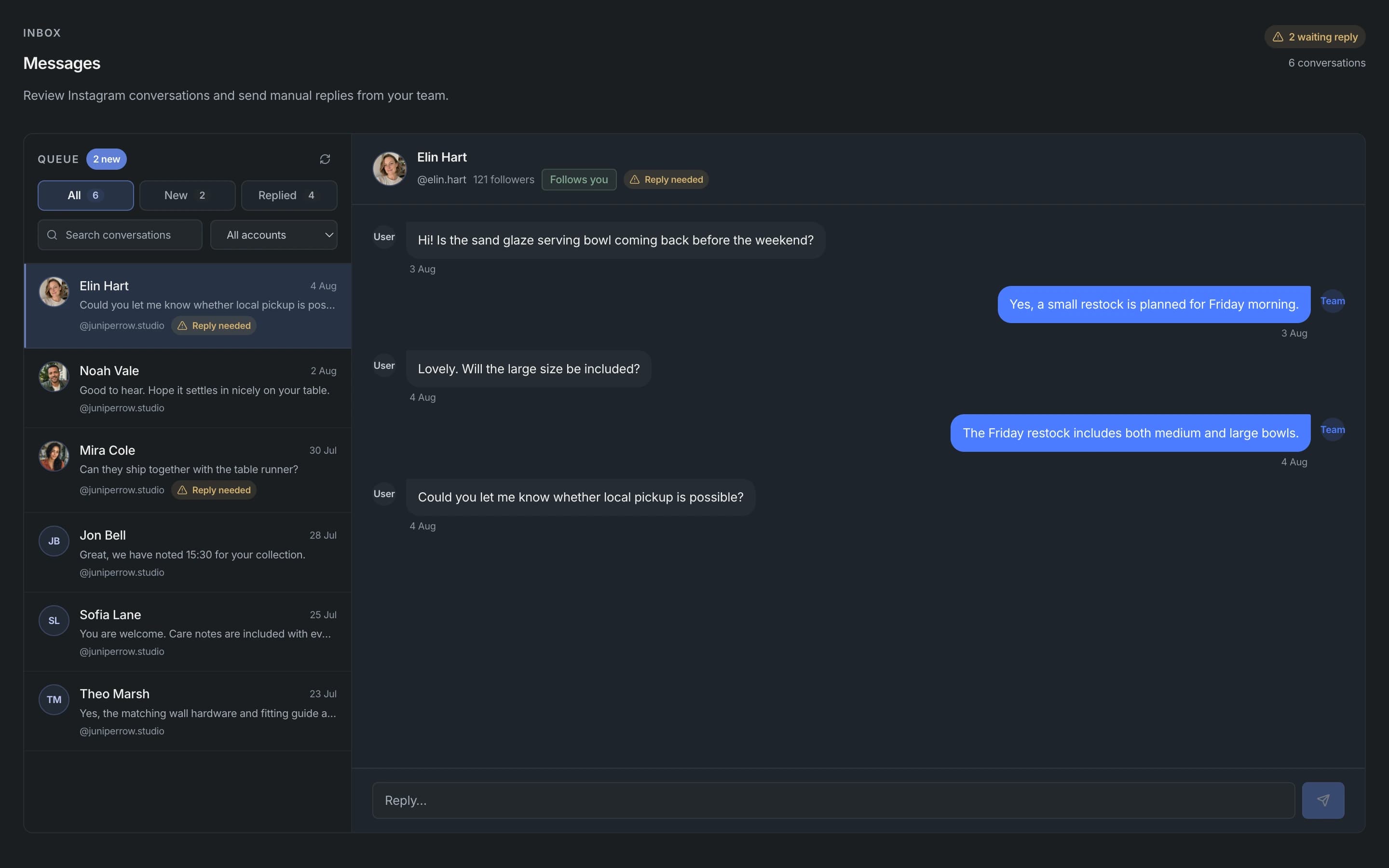
For teams that need a shared place to review incoming Instagram conversations, coordinate manual replies, and keep message activity aligned with connected accounts.

Outcome: Give teams a calm inbox workspace for manual review, team replies, and account-level context.

  • Manual inbox workspace
  • Conversation filters and status
  • Team reply coordination
  • Account-linked message context

Example

{  workflow: "inbox_review",  account_id: "acc_instagram_123",  mode: "manual_review"}

Review teams tracking status and audit logs

For compliance and operations teams that need clear records of account connection, publishing status, workspace access, and data deletion support.

Outcome: Make review-ready workspace activity easy to inspect before, during, and after publishing workflows.

  • Publishing status tracking
  • Permission transparency
  • Audit logs
  • Data deletion process

Example

{  workflow: "audit_review",  account_id: "acc_instagram_123",  event_type: "publishing_status",  visibility: "review_ready"}

Product teams needing permission-aware publishing

For product teams that want Instagram publishing workflows tied to official permissions, connected account status, and predictable workspace controls.

Outcome: Build publishing features that keep account access, scheduling, status, and audit events visible.

  • Official permission paths
  • Connected account status
  • Scheduled publishing
  • Reviewer guide support

Example

{  workflow: "prepare_schedule",  media: "upload_456",  account_id: "acc_instagram_123",  schedule: "2026-06-12T09:00:00Z"}

Your use case not listed?

Apionics is built for Instagram-first workspace needs. Tell us what you are building and we'll help map the right permission-aware workflow.