Keep account context visible
Review the conversation before choosing the reply.
The queue, selected account, message history, and reply field remain in the same operational view.
Account context stays visible before a manual response is sent.
Connect once through Apionics. Use the API for repeatable platform work, and use the Console to manage messages, comments, publishing, analytics, and activity.
Instagram Business is supported today. YouTube is in limited testing while Google review preparation is in progress. Other listed integrations are planned.
Permission-based access. No shared platform passwords.
How it works
Connect your product through Apionics. Use the API for repeatable work, and use the Console to review messages, comments, publishing, errors, and activity.
Connect Instagram Business through account-owner authorization. No shared platform passwords.
Use the API for repeatable publishing and account work.
Review messages, comments, publishing status, errors, and activity in the Console.
Product proof
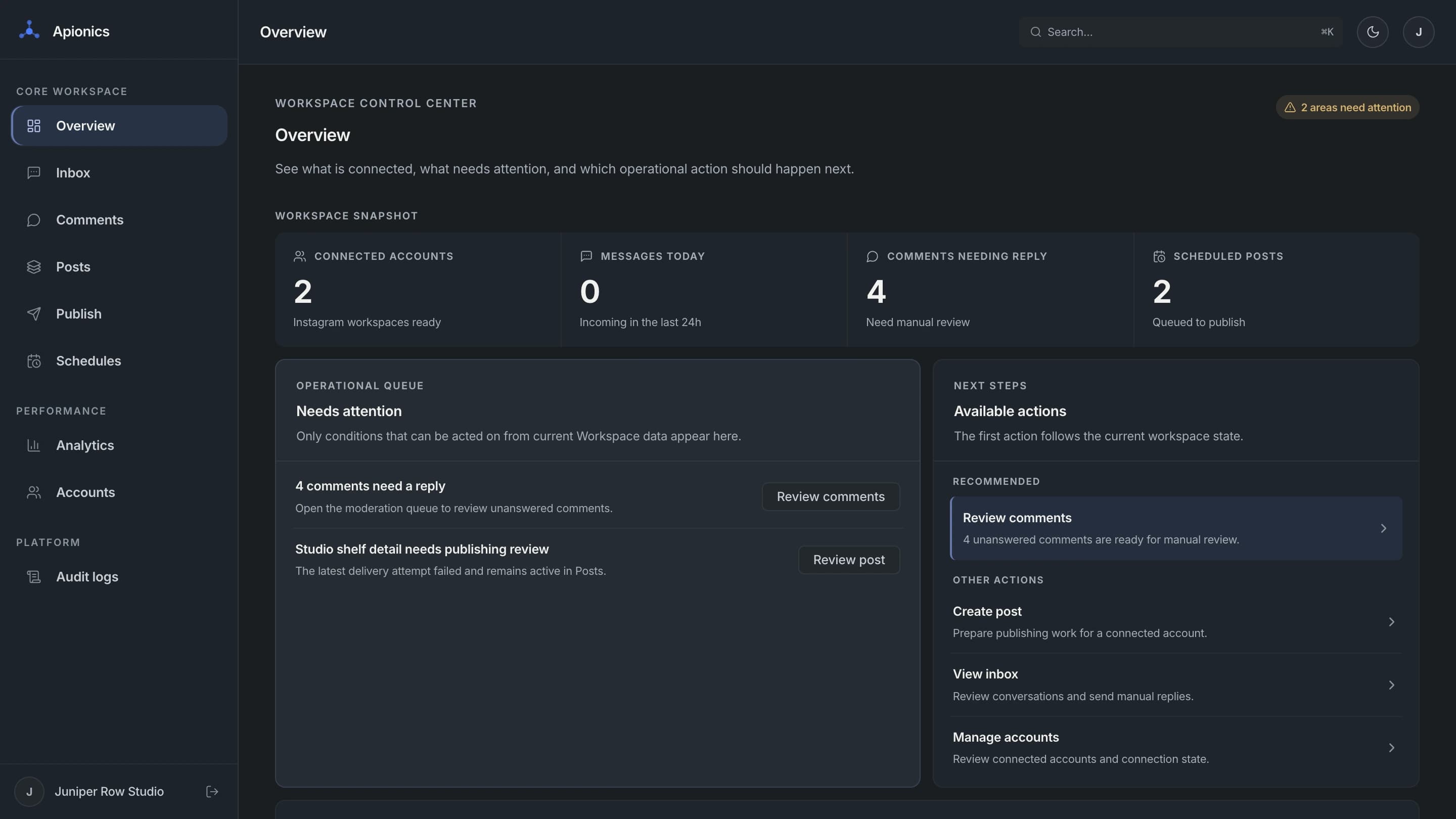
Follow messages, comments, and publishing from action to outcome. Audit logs keep activity traceable, with Posts and Analytics adding context.
CORE PRODUCT VIEWS
The queue, selected account, message history, and reply field remain in the same operational view.
Account context stays visible before a manual response is sent.
Manual and API-driven
Most workflows use both: software handles consistent steps, while people review decisions and resolve exceptions.
Review account context, reply to messages and comments, inspect errors, and handle work that requires judgment.
Best for:
Use the API to automate repeatable work and track the result.
Best for:
Platforms
Supported actions depend on platform capabilities, account permissions, rate limits, review requirements, and platform policies.
YOUR PRODUCT
Connect through Apionics
APIONICS
One integration
PLATFORM INTEGRATIONS
Supported today and planned
SOCIAL
ADVERTISING
BUSINESS / LOCAL
Who it is for
Start with the Console, the API, or both according to the work you need to support.
Add API access to your product without maintaining every platform connection yourself.
Coordinate client and brand accounts while comments, errors, and activity remain easy to review.
Use the Console directly for messages, comments, publishing, analytics, and account activity.
Console pricing
Console plans are priced by connected accounts. API integrations are scoped separately based on platform coverage, account volume, and usage.
01
€0/month
Up to 3 accounts
A practical starting point for one person, a creator, or a small account set.
02
€15/month
Up to 10 accounts
More connected-account capacity for growing individual or team workflows.
03
€39/month
Up to 25 accounts
Balanced capacity for active work across a larger set of accounts.
A useful middle point when the number of connected accounts grows.
04
€89/month
Up to 40 accounts
The highest included capacity for agencies and larger companies.
Every Console plan includes
Additional accounts: €3/account/month on the Business plan after 40 accounts.
Request accessTrust and control
Connect supported accounts through account-owner authorization instead of shared platform passwords.
Keep connected account activity within the workspace where the work belongs.
Use task status, errors, and activity history to inspect outcomes and resolve exceptions.
FAQ
Review the product model, platform support, access, pricing, and account controls.
Apionics gives you API access to supported platforms and a Console for hands-on work. Use the API for repeatable work, the Console for messages, comments, publishing, analytics, and activity, or use both together.
Use the API when software should initiate consistent work. Use the Console when a person needs to review, approve, inspect, or resolve. Most workflows use both.
Instagram Business is supported today. YouTube is in limited testing while Google review preparation is in progress. TikTok, LinkedIn, Facebook, Meta Ads, Google Ads, LinkedIn Ads, TikTok Ads, and Google Business Profile are planned.
Messages, comments, publishing, and insights are available for Instagram Business. Available actions still depend on account permissions and platform requirements.
Supported accounts connect through authorization granted by the account owner. Apionics does not ask teams to share platform passwords.
We review the requested product path, platforms, workflows, and expected account capacity, then contact you about activation or integration needs.
Console plans scale by connected-account capacity. Every plan includes the same core Console features, and additional accounts are €3/account/month after the included limit.
Start with Instagram Business
Use the Console with Instagram Business today, or request access to discuss API integration for your product.